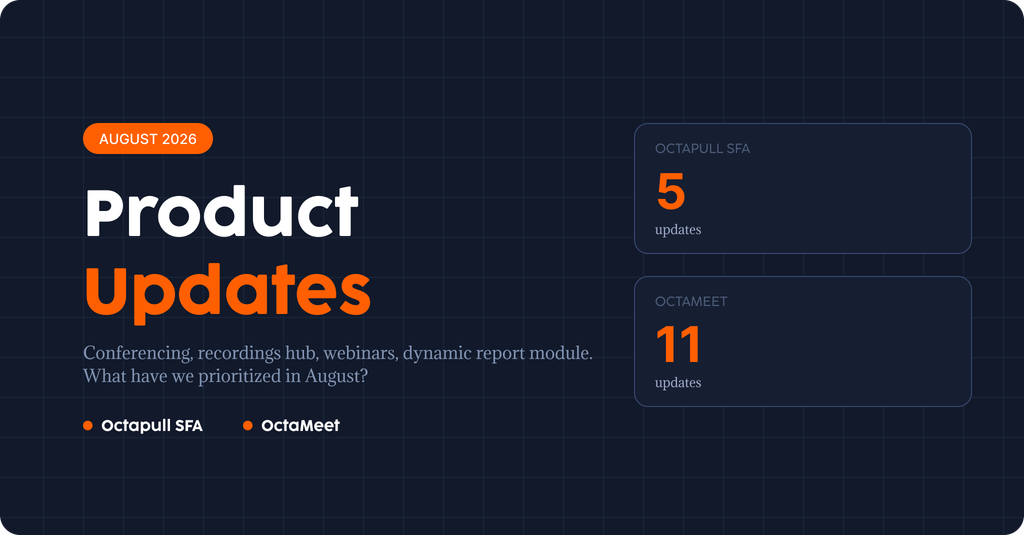
August was a month where OctaMeet brought its video conferencing and messaging experience together on a single platform, with major updates rolled out across mobile and desktop. On the Octapull SFA side, new modules were introduced to make field teams’ work easier.
OctaMeet – Mobile
✦ Video Conferencing and Messaging: Video conferencing and secure messaging were brought together on a single platform, delivering an end-to-end communication experience.
✦ Webinar Support: New features were added for joining secure, uninterrupted conferences and webinars, managing meetings, and accessing them from different devices.
✦ Meeting Scheduling Options: Options were added to schedule conferences, webinars, and instant meetings, as well as to join meetings via a link.
✦ Invitation Management: Features were added for creating meeting invitations, sharing them across different channels, and managing participants.
✦ Calendar Feature: Scheduled meetings can now be tracked in monthly, weekly, and daily views.
✦ Improvements to the Calling and Messaging Experience: Performance, stability, and reliability were improved across voice calls, video calls, and messaging.
OctaMeet – Web
✦ Conferencing: The conferencing infrastructure was updated and the interface improved for a more stable, higher-performance conferencing experience.
✦ Recordings Hub: Screen recordings, file recordings, call recordings, AI-powered meeting notes, and message logs can now be viewed, managed, and shared from a single hub.
✦ Performance Improvements: Various optimizations were made across the app to improve performance and the overall experience.
OctaMeet – Desktop
✦ App Interface: The login flow and every page of the app were redesigned for a more modern, cleaner experience.
✦ Conferencing: Extensive improvements were made to the conferencing infrastructure for a more stable, faster, uninterrupted conferencing experience.
Octapull SFA
✦ Dynamic Reporting Module: A new module was introduced that lets reports be customized and generated instantly based on need.
✦ Admin Panel for Permission Management: All user permissions can now be managed from a single admin panel screen.
✦ Product Photo Management: A new screen is added for organizing and managing product photos with folder-based navigation.
✦ Instant Order Closing: The system can now close orders instantly from both mobile and web.
✦ Logistics Module Improvements: Improvements to automatically calculate product quantities on the loading screen have been added.
We announce the improvements we work on every day as they go live. You can follow new features, updates, and improvements on our website and newsletter.


